On this page
Before you start
e-tailize connects to a provider when that provider has a tile in the connection picker. You open the picker with "New connection" on the "API connections" page, and it splits into four categories: "Marketplace", "Shipping", "WMS" for your warehouse and "CMS" for your webshop.
Every category page carries the same line above the logos, with its own category filled in. On "Connect marketplace provider" it reads: "Select a marketplace provider below and fill in your credentials. If you do not see the connection you are looking for, let us know!" That last sentence is the route to take when your provider has no tile.
Steps
Open "Settings" in the left sidebar, click "Connections" and click "New connection".
Pick "Marketplace" to see the marketplaces. "Select marketplace" holds the Amazon storefronts, bol, Allegro, Kaufland, METRO makro, Cdiscount (Octopia) and the Mirakl storefronts, from Alltricks and ANWB to Praxis and Worten.
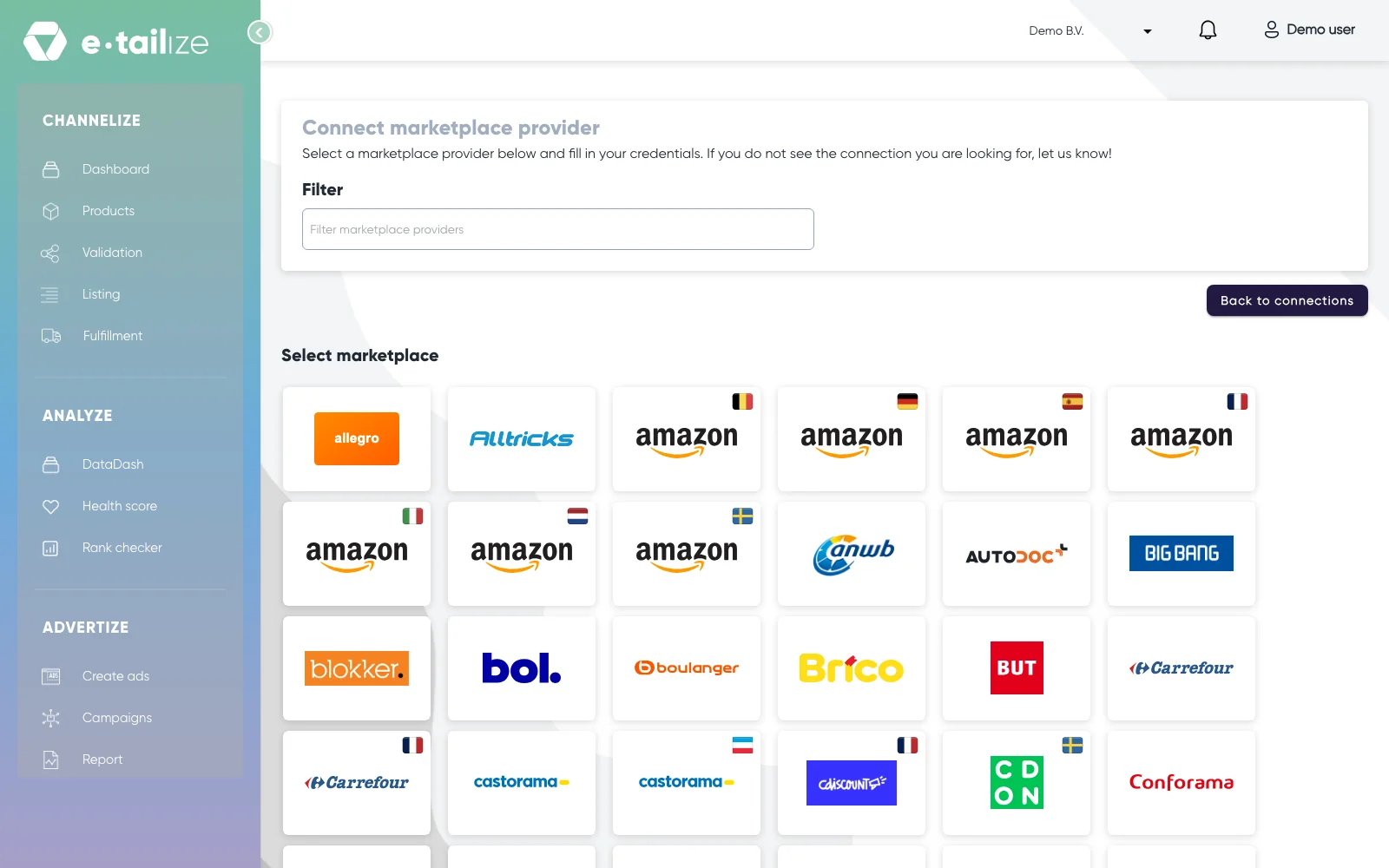
The page "Connect marketplace provider", with the "Filter" box above the "Select marketplace" grid A category page has no switcher, so click "Back to connections", open "New connection" again and pick "CMS" for the webshop platforms: Lightspeed, Shopify and WooCommerce. The grid also shows a Dicode tile, which is not in use.
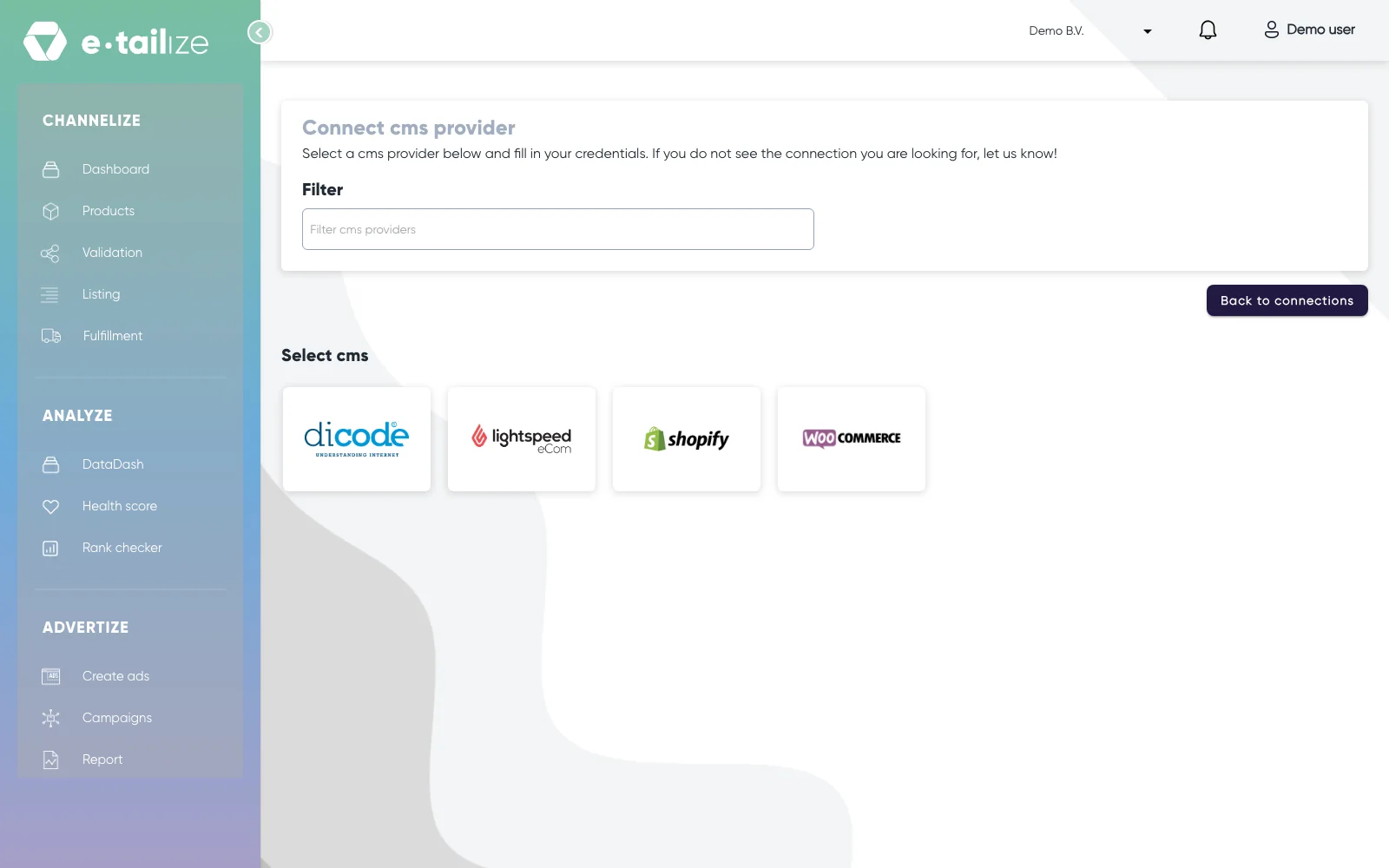
The page "Connect cms provider" with four logos under "Select cms" The same way to "WMS" for the warehouses: Lyra, Picqer and Stockhub.
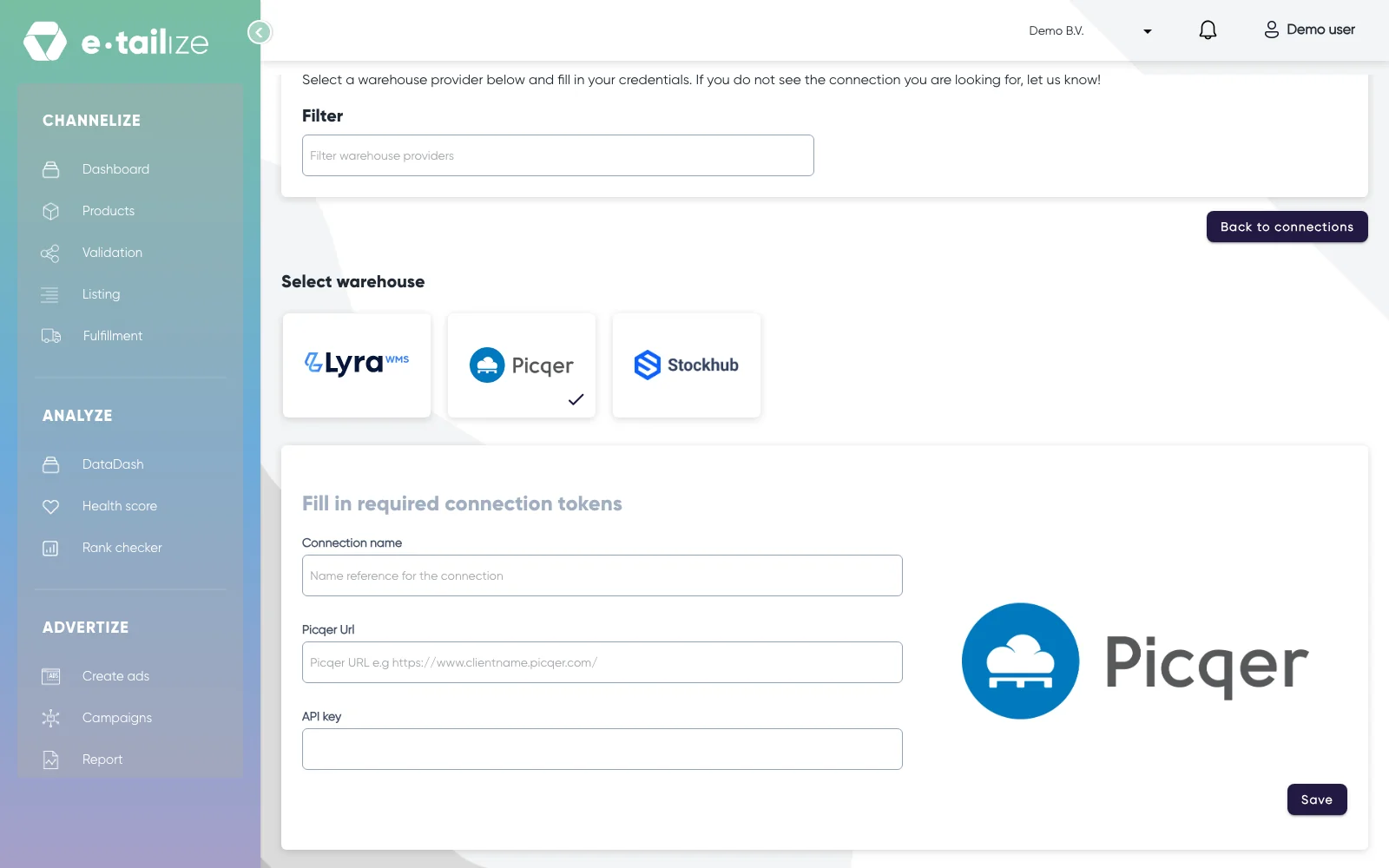
Picqer picked under "Select warehouse", with the fields "Connection name", "Picqer Url" and "API key" And the same way to "Shipping" for the carriers, where MyParcel is the one provider.
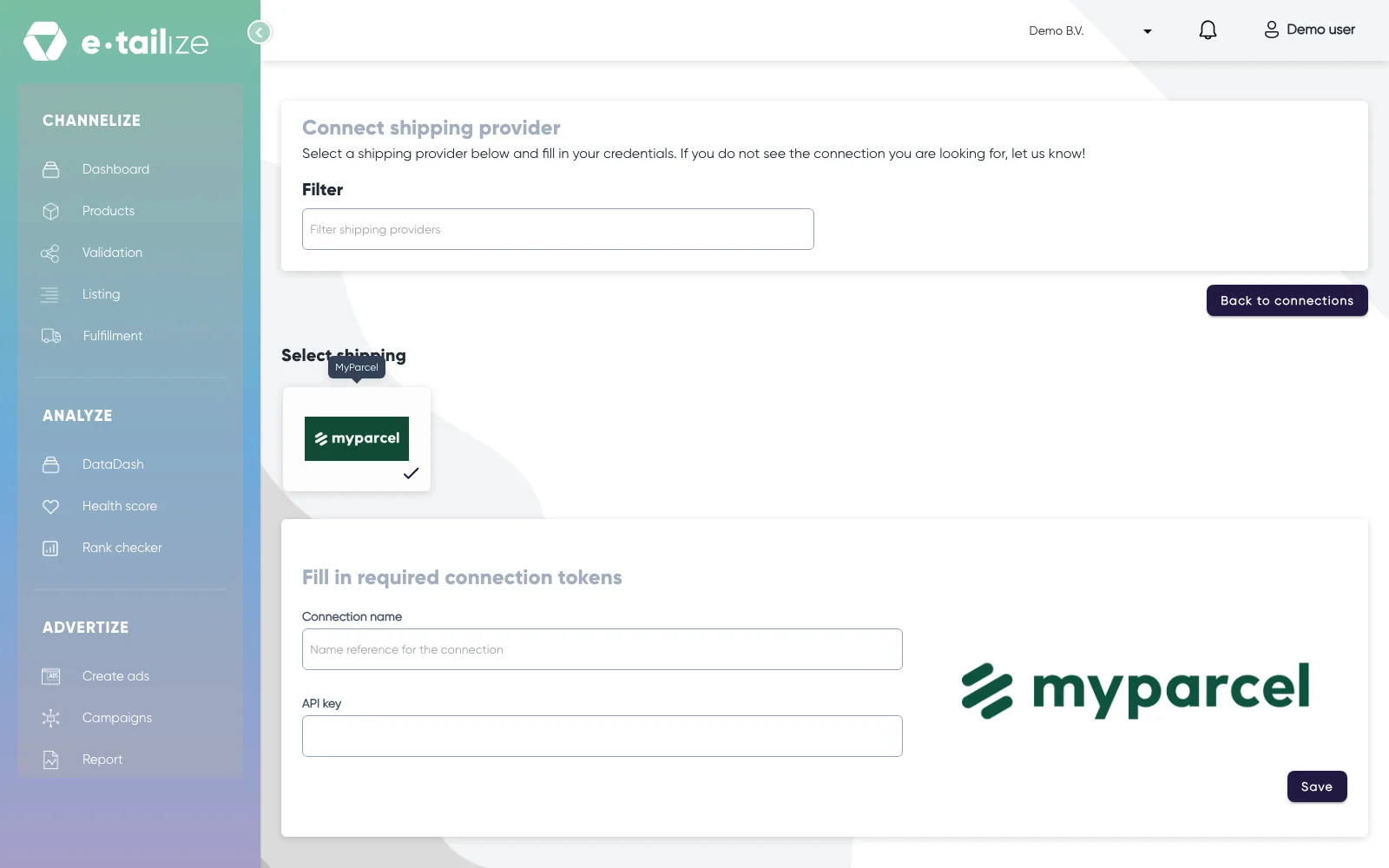
MyParcel picked under "Select shipping", with the fields "Connection name" and "API key" Type in "Filter" to find one logo faster. The box matches the start of the provider name as e-tailize stores it, so type the first letters and never a word from the middle of a name.
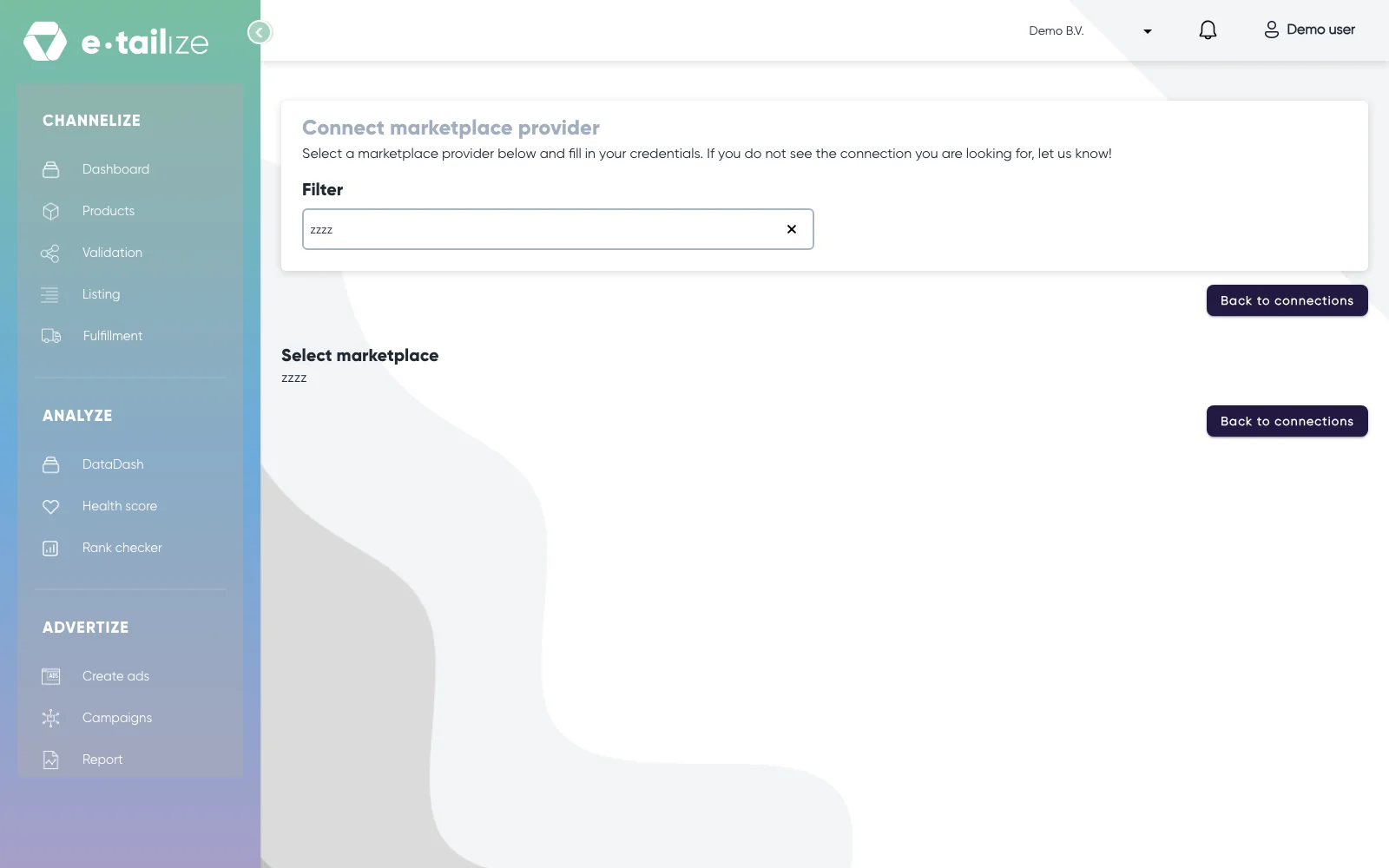
The "Filter" box with a search that matches nothing, and an empty "Select marketplace" grid
What happens next
Clicking a marketplace, warehouse or carrier logo opens its form under "Fill in required connection tokens", directly below the grid, and clicking another logo swaps the form without taking you off the page. What the form asks for depends on the provider. Amazon, bol and Allegro send you to the marketplace itself to log in. A Mirakl storefront asks for "API KEY", "Where do you offer your products?" and "Store Id". Kaufland asks for "API KEY", "Where do you offer your products?" and "SECRET KEY". A webshop logo is the exception: its form opens under "Configure connection" and is saved with "Test & save connection" instead of "Save".
Per provider steps: Connect your bol account, Connect a Mirakl marketplace and Connect a warehouse: Picqer, Lyra or Stockhub.
Common problems
An empty grid after filtering does not mean the provider has no tile. The box looks at the start of the provider name as e-tailize stores it, so a word from the middle of a name gives you nothing. Scroll the full grid before you conclude there is no tile, and only then tell us in the chat which one you need.
Not every platform sellers ask about has a tile. Is yours still not in the grid after you scrolled the full list, then tell us in the chat which one you need instead of looking for a hidden tile or an import trick. For some marketplaces our team sets the connection up on your account for you: see Fnac and Darty.
FAQ
Why are there two "Carrefour" tiles and two "Castorama" tiles?
Both brands run more than one storefront and the tiles carry the same logo. Click one and open "Where do you offer your products?": the countries in that list tell you which storefront the tile belongs to.
I use TijdVrij. Why is it not under "Shipping"?
TijdVrij runs on Lyra, so you add it under "WMS" as a warehouse, with the key your contact there gives you. See Connect a shipping provider: MyParcel or TijdVrij.
Does a tile mean I can sell there right away?
No. A tile means e-tailize can connect to that marketplace. You still need your own seller account there and the credentials that account gives you.
My webshop platform is not one of the four. What now?
Tell us in the chat which platform you run. Your products can also come in from a file, so a missing webshop tile does not block you: see Import products with a CSV file.
Related
Was this useful?