On this page
Before you start
Most marketplaces connect with credentials you create in their own seller portal and copy into e-tailize. You add them on the "API connections" page, with "New connection" and then "Marketplace".
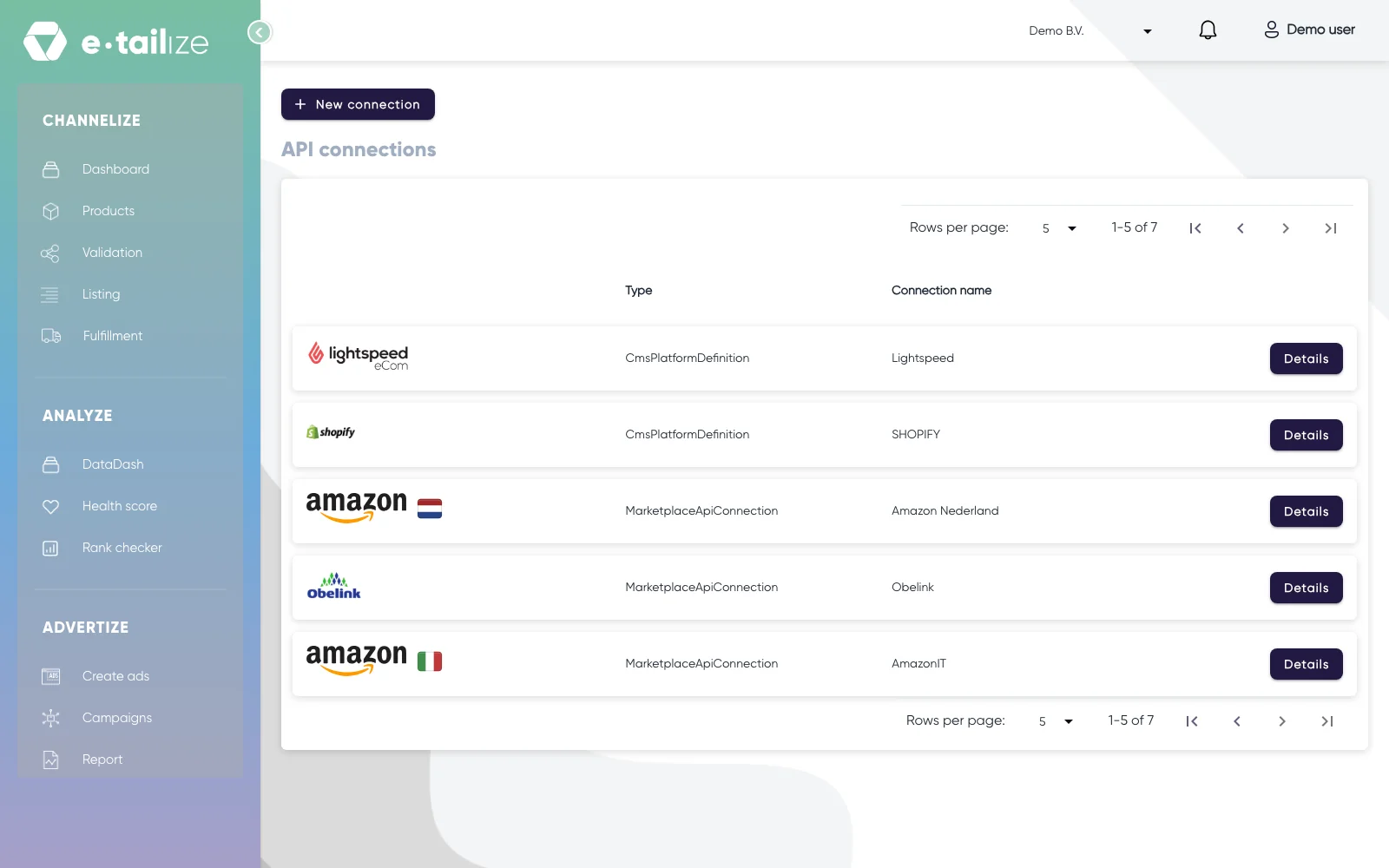
Amazon, bol and Allegro work differently. They have no key to type: the wizard shows a connect button that sends you to the marketplace, where you log in and give e-tailize permission. Everything below about keys does not apply to Amazon, bol or Allegro.
Common problems
A field is still empty
Every field in the wizard has to be filled in, "Connection name" included. That name is your own reference, so put the marketplace in it and you can tell your connections apart later.
The credentials are in the wrong field
A connection only works when every value stands in the field made for it. A Mirakl marketplace asks for "API KEY", "Where do you offer your products?" and "Store Id". Kaufland asks for "API KEY", "Where do you offer your products?" and "SECRET KEY".
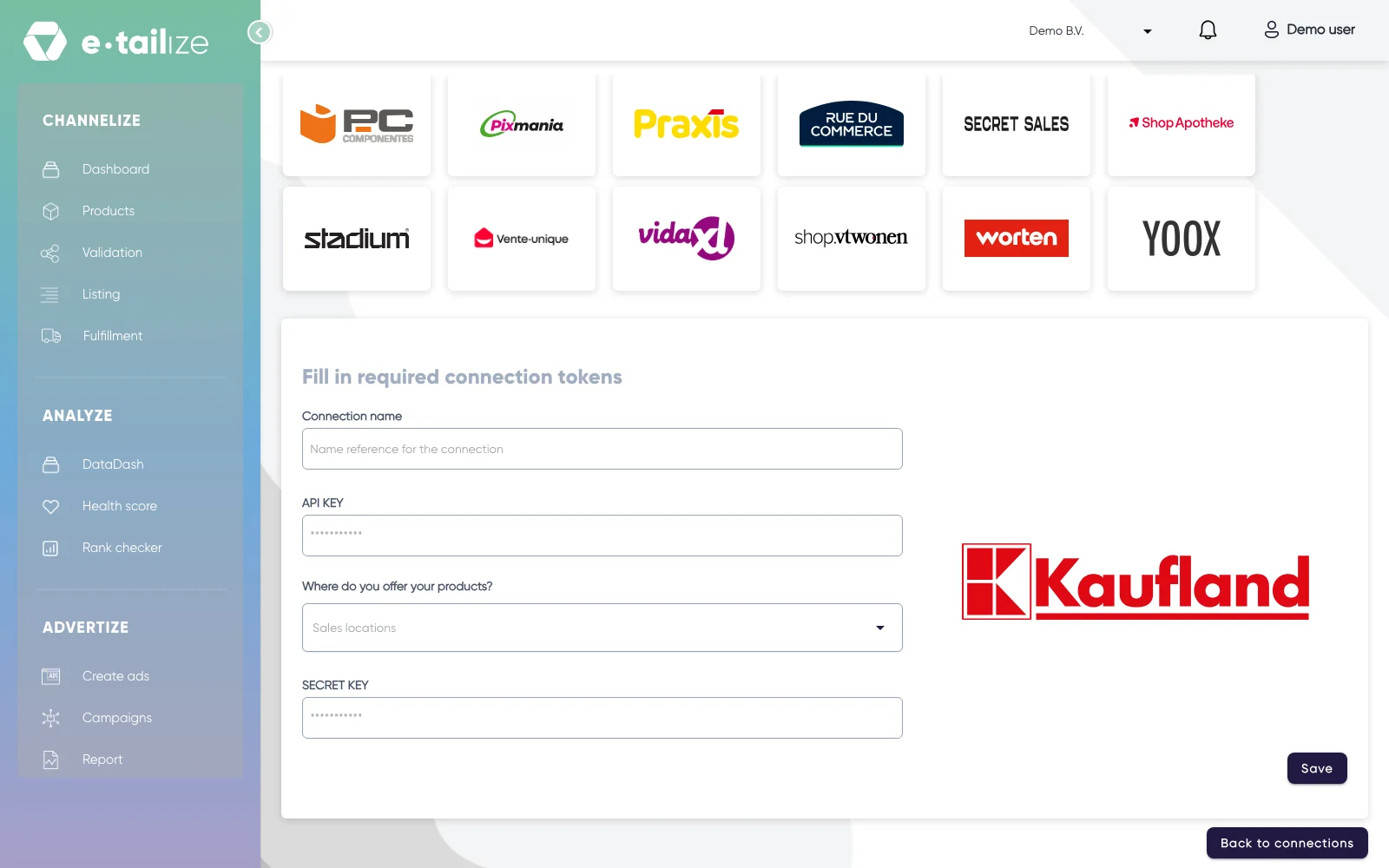
Your browser filled in your e-tailize login
Browsers offer to autofill the e-mail address and password of your e-tailize account in these fields. Those are not your API credentials. Clear the fields and paste the values from the seller portal.
Amazon will not connect
Open e-tailize in an incognito window before you start. Pick the right country, because each Amazon storefront is its own connection. e-tailize opens one extra window: allow it, and log in at Amazon again when Amazon asks. Save at the bottom right. Do you get an error? Then run the connect step again from the start. An Amazon connection is only possible with a professional seller account.
A connection that used to work has stopped
Open the connection and save it again, without changing anything. That restarts the sync.
"Invalid connection credentials"
Check three things against your seller account: the API key, the "Store Id" and the country you picked. If all three are right, ask in the app chat and name the marketplace, the exact message on your screen and the "Store Id" you used. With those we can look at the call itself.
FAQ
Do I have to create the connection again after a failed attempt?
No. A failed attempt saves nothing. Open the wizard again, fill in the fields and save.
The connection is gone from my list
A deleted connection does not come back. Create it again through "New connection", with the same credentials from your seller portal.
Was this useful?