On this page
Before you start
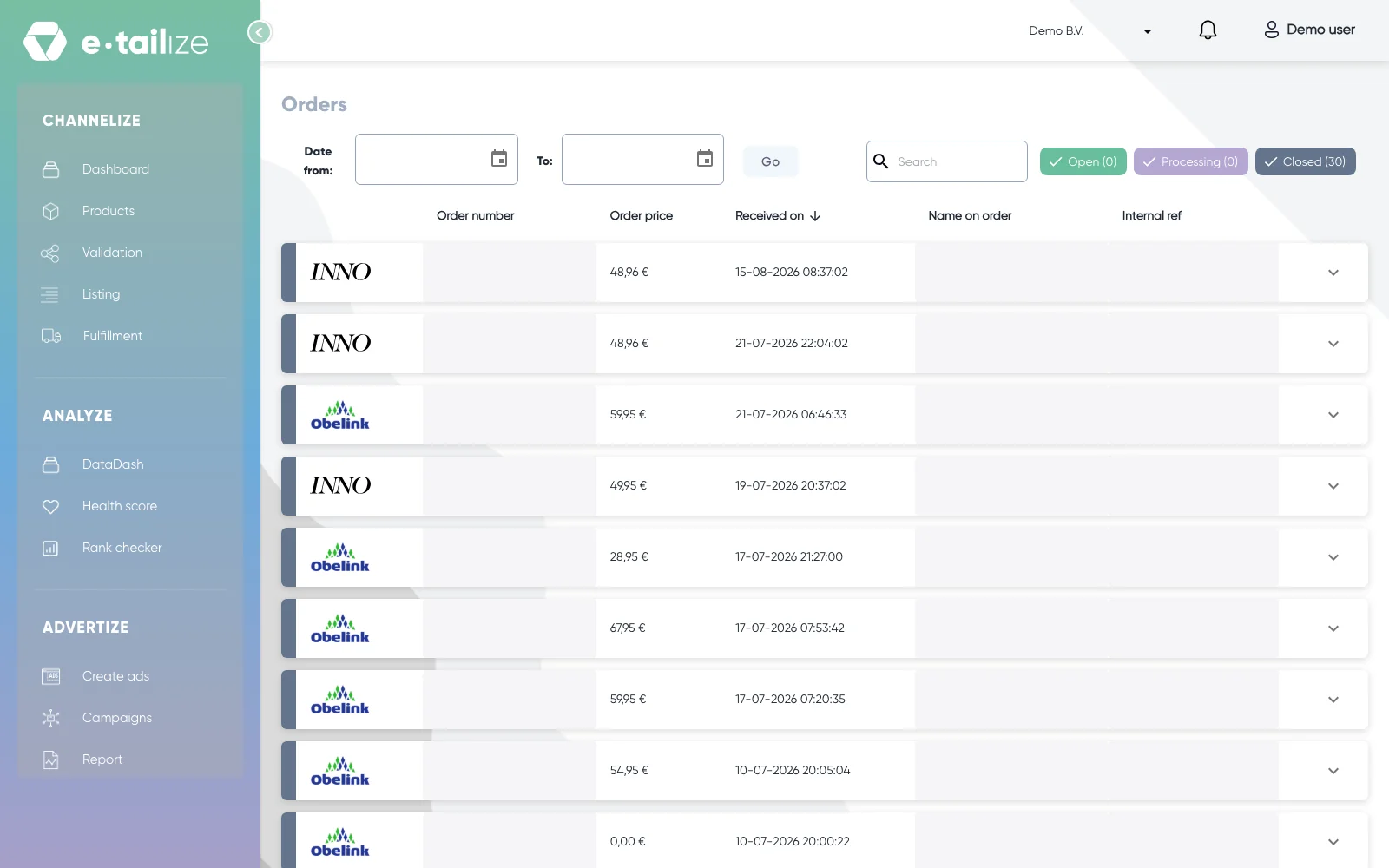
First settle where the order stops. Open "Fulfillment" and then "Orders" and search for the order number. Is the order not there? Then the marketplace never delivered it to e-tailize and there is nothing to forward yet. Is it there but missing in your webshop or warehouse? Then the forwarding is the place to look.
Common problems
The order flows are off
Click "Fulfillment" in the left sidebar and then "Stock & order configuration", and open the section "Order forwarding". The row is the sender and the column is the receiver, so the cell where your marketplace meets your webshop or warehouse has to be on. Remember the section's own "Save changes": a switch only takes effect once you save the section it sits in.
The EAN codes do not match
The destination looks the product up by its EAN code. When the EAN on the marketplace is not the EAN in your webshop or your warehouse software, the order line finds nothing to attach to. On the "Order dashboard" the row then carries the "Exception state" value "Product EAN not found in destination", and the info icon next to it opens "Exception message" with the text "Please ensure ean/sku for all the line items in the marketplace matches the barcode in CMS/WMS." The screen does not show the EAN code itself. Make sure the product exists on both sides with the same EAN code.
The marketplace is still holding the order
On any marketplace other than bol, Amazon or Kaufland, check two more things. Was the order accepted on the marketplace itself? And are the order details fully visible on the "Orders" page in e-tailize? An order the marketplace has not released does not travel on.
Nothing arrived in your webshop or warehouse
Your order still has to go out. While the cause is being fixed you can fulfil the order in e-tailize itself: open "Fulfillment" and then "Orders", expand the order and use "Fulfill" to register the "Transport carrier" and the "Track and trace code", or "My parcel" to create a shipping label. That is exactly what happens when there is no order forwarding, and both ways are fine. Once the cause is fixed the flow continues on its own.
FAQ
Where do I see how far an order got?
On the "Order dashboard" under "Settings" and "Fulfillment details". Search the order by number and read "Target", "Status" and "Exception state" on its row.
How long may forwarding take?
Forwarding runs in the background, so a new order goes out on the next run and not the moment it comes in.
What does support need from me?
Write to our support team with the e-mail address you log in with, the EAN code, the order number, the marketplace the order came from, and the webshop or warehouse software it should have reached.
Related
Was this useful?