On this page
Before you start
Two switches on the "Stock & order configuration" screen do the work. "Order forwarding" pushes a marketplace order into the system you actually pick and pack in, your webshop or your warehouse. "Track and trace forwarding" sends the carrier and the tracking code that system produces back to the marketplace. With both on, an order closes itself.
Read every grid the same way: the row is where it comes from, the column is where it goes.
Steps
- Click "Fulfillment" in the left sidebar and then "Stock & order configuration".
- Open the section "Order forwarding". Rows are your marketplace connections, columns your webshop and warehouse connections.
- Switch on the cell where the marketplace row meets the destination column.
- Click "Save changes" in that section. Each of the three sections saves on its own, so a switch does nothing until you save the section it sits in.
- Open the section "Track and trace forwarding". Here the row is the webshop or warehouse the tracking comes from and the column is the marketplace it goes to.
- Switch on the cell you need and click "Save changes" in that section too.
- Wait for the next background run. An order is not forwarded the moment you save the section.
What happens next
The order arrives on the "Orders" page as "Open" and e-tailize creates the same order in your webshop or warehouse, customer, address and items included. You ship it there as you always do. The carrier and the tracking code travel back, the marketplace marks the order shipped and informs the buyer, and the order in e-tailize moves to "Closed" with "Shipped" filled in. You never touch the "Orders" page for it.
Marketplaces name carriers in codes of their own, and your webshop or warehouse knows the same carrier under another name. e-tailize translates between the two automatically on a forwarded order, so the carrier and the tracking details land there without you typing anything.
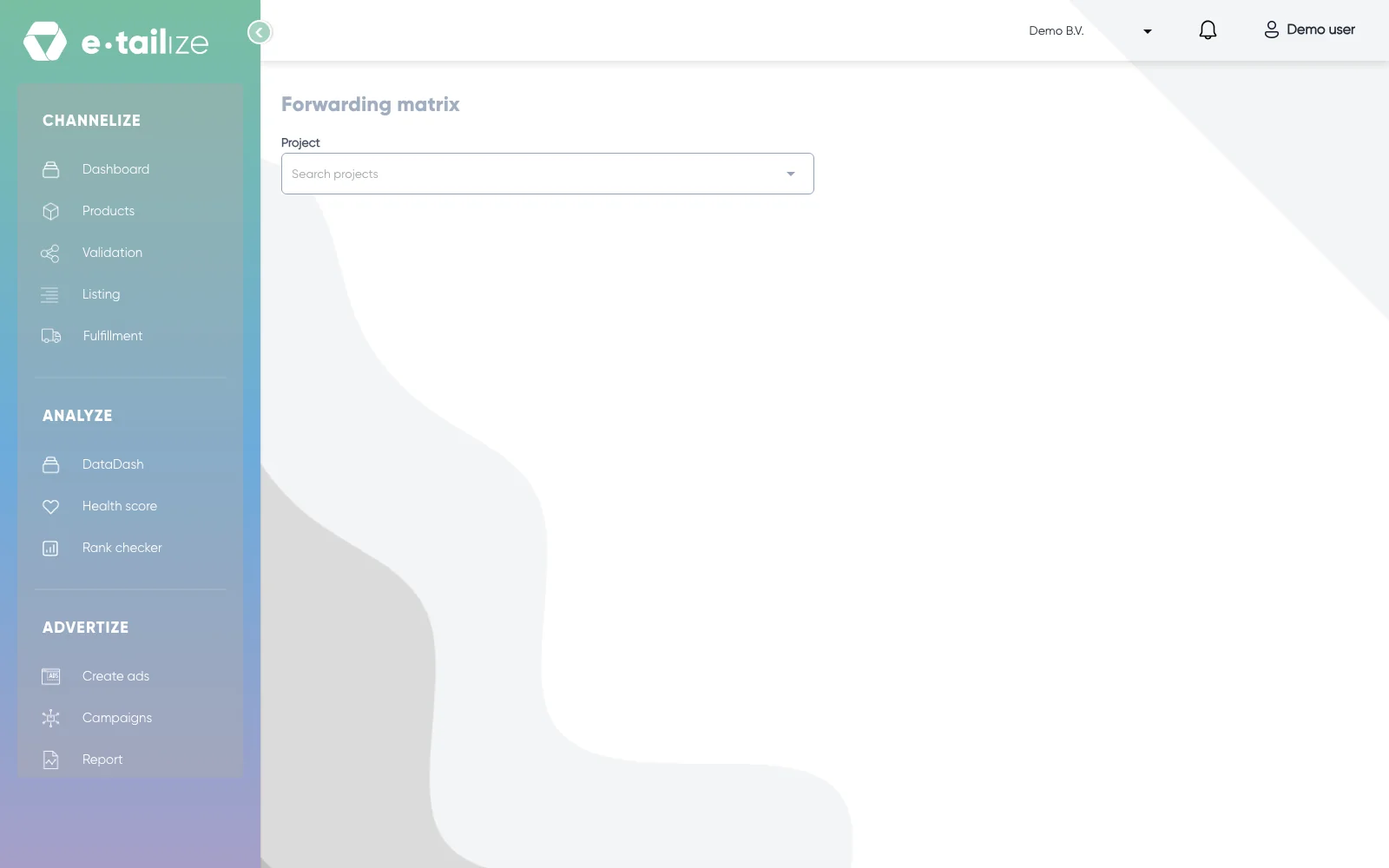
To check what you configured, open "Fulfillment details" under "Settings" and then "Forwarding matrix". Pick your project and read the tables per kind, each with a source, a target and the moment the switch went on. A red table lists the marketplace connections whose orders are not forwarded anywhere yet.
Common problems
A switch is on and the order has not been forwarded. Either the section the switch sits in was not saved, or the background run still has to come. Check the direction too: the row sends, the column receives.
A connection you expect is missing from a grid. The page says so itself: "Please contact us if you are missing a switch." Ask our support team to add it.
You want one marketplace to feed another with orders. That does not exist. Orders always travel from a marketplace into your webshop or your warehouse. Only "Stock forwarding" has a cell from one marketplace to another.
A forwarded order arrives without a carrier or without tracking. Then the carrier translation is not in place for your connections. Ask our support team to add it.
FAQ
Do I have to fulfil orders by hand without forwarding?
Yes. Without "Order forwarding" the orders simply stay on the "Orders" page and you fulfil them there. Both ways work.
Why do my orders stay on "Open"?
Because the return direction is missing. Switch "Track and trace forwarding" on from your webshop to the marketplace and save that section.
Related
Was this useful?