On this page
Before you start
BUT is a French marketplace with a broad range of categories, from furniture and decoration to appliances, garden, toys and bedding, and a secured payment system. You need an approved seller account, an API key created in the seller back office of BUT, and your store id.
Apply yourself, they review. Stuck? Expansion does it for you.
BUT runs on Mirakl, the software behind most retailer marketplaces we connect, so the wizard looks the same as for every other Mirakl marketplace. You need one API key from BUT.
We connect BUT for France.
Steps
Create the API key in the seller back office of BUT and copy it in full. Your store id sits there too, in the settings or on the main page of your seller account. A key from another Mirakl marketplace never works here, even though the form looks the same.
Open "Settings" in the left sidebar and click "Connections".
Click "New connection", or open the marketplace wizard directly.
Pick "Marketplace" in the chooser and click the BUT logo under "Connect marketplace provider".
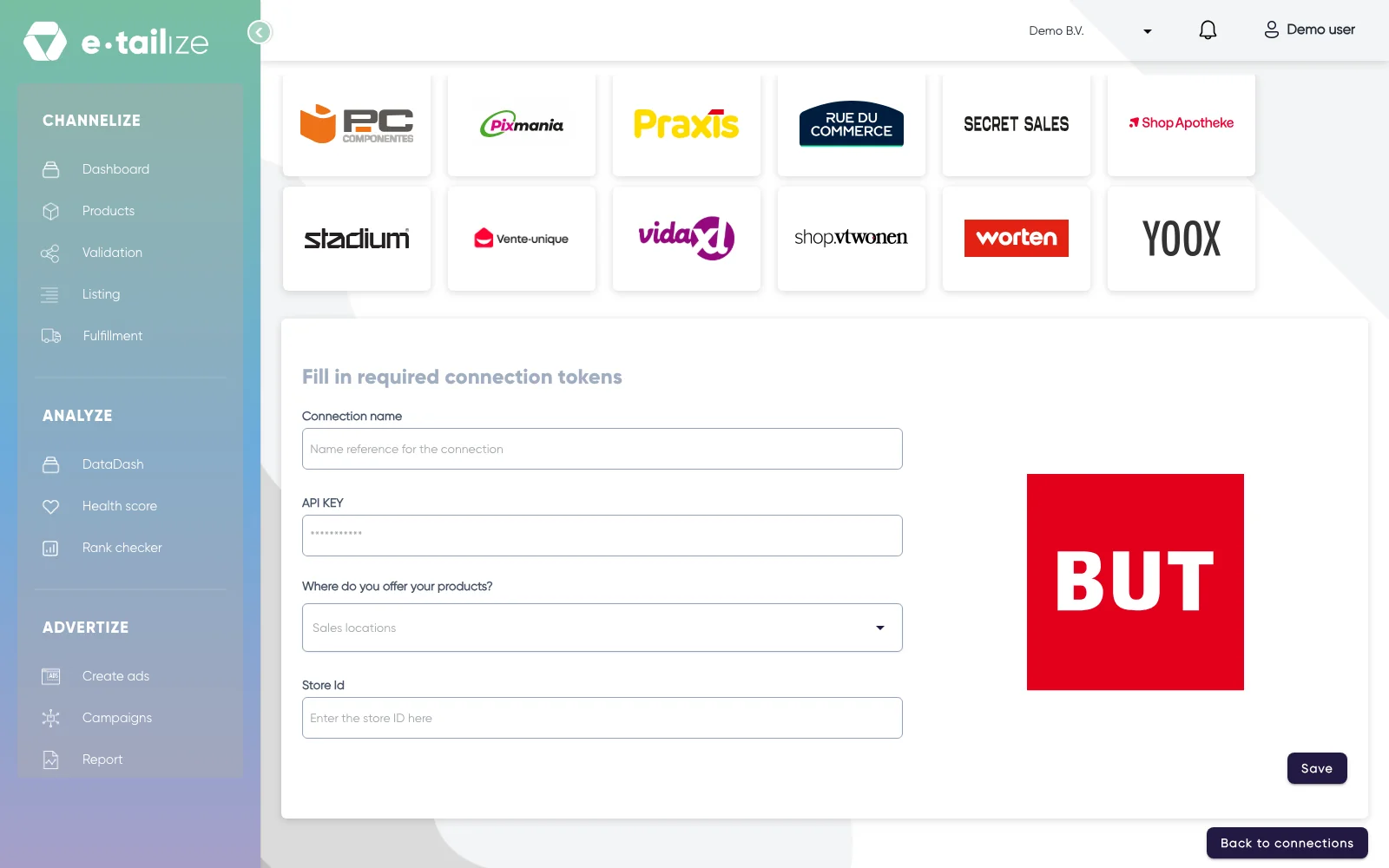
The wizard for BUT: "Fill in required connection tokens" with the fields of BUT Fill in "Connection name", your own reference for this connection.
Paste the value into "API KEY". The field is masked, so you see dots instead of what you pasted.
Pick the country you sell in under "Where do you offer your products?".
Fill in "Store Id".
Click "Save".
Click "Validation" in the left sidebar, pick the BUT tile and click "Add missing PIM tabs" on every category you sell there.
Fill the mandatory BUT fields on those tabs and click "Validate products". Get a product live walks through that screen step by step.
Click "Listing", pick the BUT tile, select your validated products and click "List content". Click "List offers" once the content is through.
What happens next
BUT sells to French buyers, so titles, attributes and descriptions need to be in proper French. A clean "List content" while "List offers" still reports that the product does not exist means the marketplace has not approved the product yet, which takes hours to days.
The connection appears on the "API connections" page and as a card under "Existing connections" on the dashboard, and it starts feeding your dashboard, your orders and your stock. Orders from BUT come in under "Fulfillment" and then "Orders", with the same "Open", "Processing" and "Closed" filters as your other channels.
Common problems
Mirakl refuses an offer at upload as soon as a required attribute is missing, so fill in the fields your category demands and list again. A Mirakl platform also scores how complete your product data is, and a product that scores too low is taken offline. Filling in more attributes, the optional ones included, raises that score.
FAQ
Do you need an API key to connect BUT?
Yes. You need one API key from BUT.
Which countries do we connect BUT for?
We connect BUT for France.
Where do orders from BUT arrive in e-tailize?
Orders from BUT come in under "Fulfillment" and then "Orders", with the same "Open", "Processing" and "Closed" filters as your other channels.
Related
Was this useful?