On this page
Before you start
LVB is the service where bol stores and ships part of your assortment from its own warehouse. You need a bol connection in e-tailize and the list of products bol fulfils for you.
Which EAN codes run through LVB is registered by e-tailize, not by you, so ask us in the chat first. After that the listing page carries a connection whose name starts with "e-tailize LVB", next to the bol connection you already had.
Steps
Click "Listing" in the left sidebar. The page "List product content & offers" opens with a card for every connection you can list on.
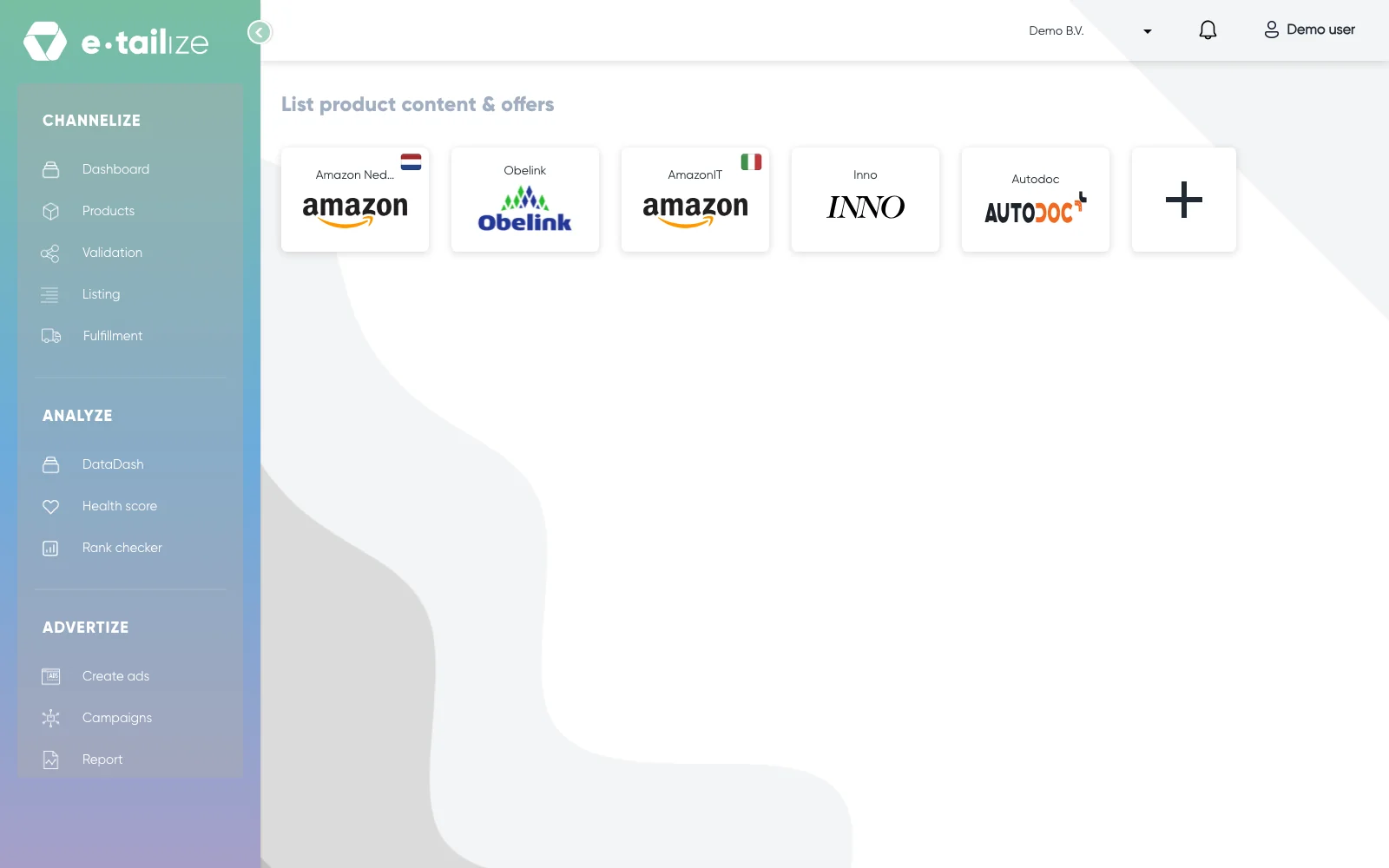
The page "List product content & offers" with a card per connection Click the card of the connection whose name starts with "e-tailize LVB".
Read the block "e-tailize LVB" above the table. It says: "The following products have been listed through e-tailize LVB You are free to modify the price. The stock and shipping are both handled by Bol You can see the actual stock on Bol.com here".
Look at the columns of the table: "Ean", "Title", "Stock", "Base price" and "Listing price". "Ean" holds a checkbox you tick to pick the row, "Base price" is the field you type in, and "Title", "Stock" and "Listing price" are there to read.
Type the new amount in "Base price" for every product you want to reprice.
Tick the checkbox in front of the EAN of every product you want to update.
Click "List offers" to send the offer update to bol.
Open "Fulfillment" in the left sidebar and then "Stock & order configuration" if you also ship products yourself.
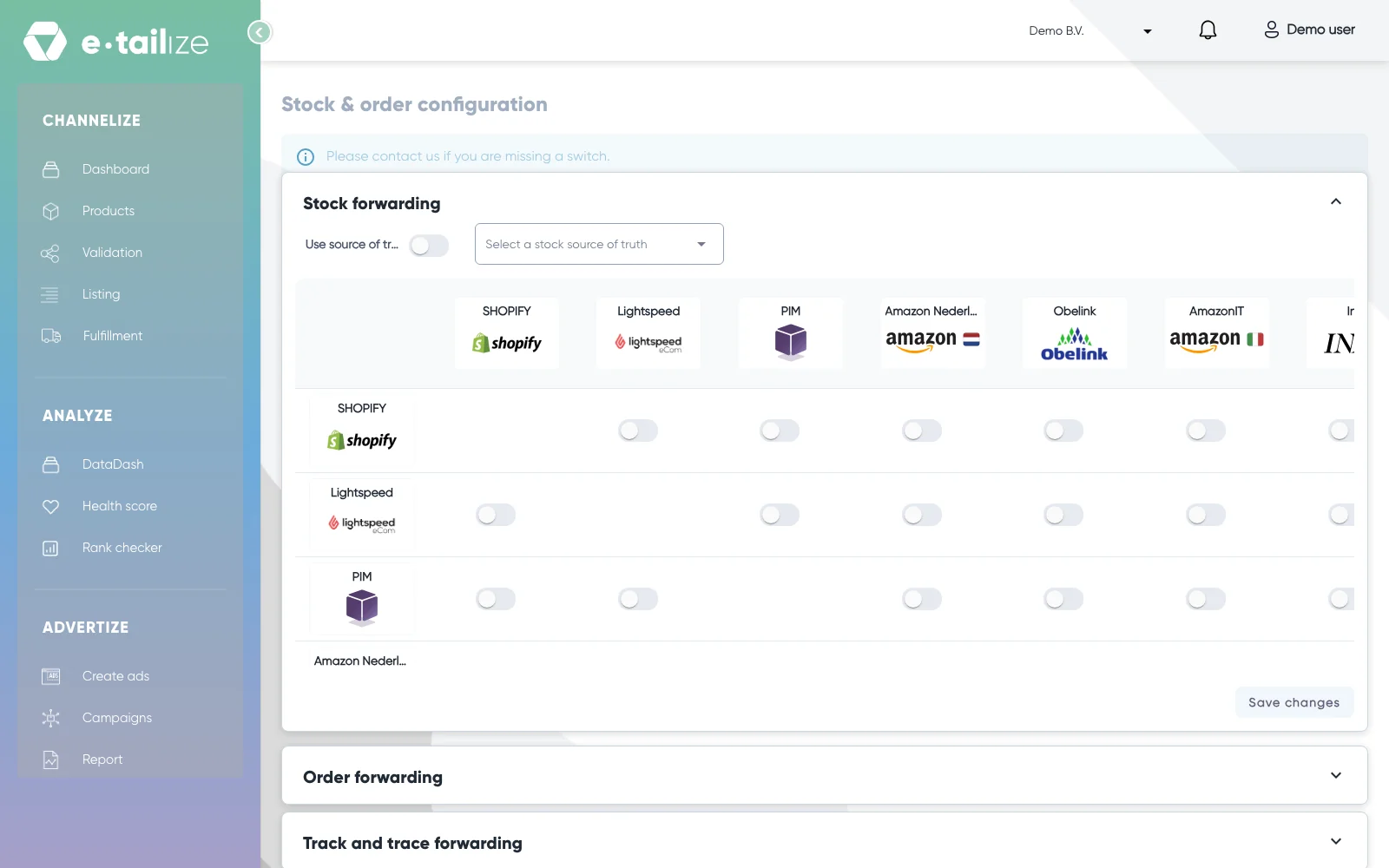
The page "Stock & order configuration" with "Stock forwarding" open above "Order forwarding" and "Track and trace forwarding"
What happens next
bol keeps the stock and the shipping of the products in the LVB block, so the number in "Stock" is not what makes the offer sellable there.
The price you send with "List offers" goes to bol as an offer update. There is no content step and no validation on this connection.
The switches on "Stock & order configuration" keep deciding where stock, orders and track and trace travel between your other connections.
Common problems
No "Bulk edits" and no "Product listing status" on this connection. That half of the listing page is drawn for a connection that is not an LVB one. On an LVB connection you get the block "e-tailize LVB", and you change a price per row in "Base price".
"Stock" does not match your warehouse. bol handles the stock of an LVB product, so your own quantity does not govern that offer.
No connection whose name starts with "e-tailize LVB". The products bol fulfils are registered on our side, so ask us in the chat.
The page answers with "Please select items to update". Nothing was ticked, so no offer update left e-tailize. Tick the checkbox in front of the EAN first, then click "List offers" again.
FAQ
Do I validate and list LVB products the normal way?
No. The listing page draws "Product listing status" and "Bulk edits" only for a connection that is not LVB. On the LVB connection you type in "Base price" and tick the checkbox in front of the EAN of every row you send.
Can I change the price of an LVB product?
Yes. The block says you are free to modify the price. Type it in "Base price", tick the checkbox in front of its EAN and click "List offers".
Where do I see the real stock of an LVB product?
At bol. The block says the stock and the shipping are both handled by bol, and points you there for the figure that counts.
Do LVB orders show up in my e-tailize reporting?
No. LVB orders are not part of the reporting, so read those figures at bol.
How do my EAN codes get into the LVB flow?
We register them for you. Name the products bol fulfils in the chat, and the "e-tailize LVB" connection appears on your listing page.
Related
Was this useful?