On this page
Before you start
The "Invoices" tab collects every invoice that invoice forwarding generated for one Mirakl marketplace connection, with the status of each one and its PDF. The tab stays greyed out until the setup of that connection is saved, so start with Set up invoice forwarding for Mirakl marketplaces if you have not done that yet.
Invoices live per connection. You pick the marketplace tile first, then read its list.
Steps
Click "Fulfillment" in the left sidebar and then "Invoice forwarding". The page "Mirakl order invoice forwarding" opens.
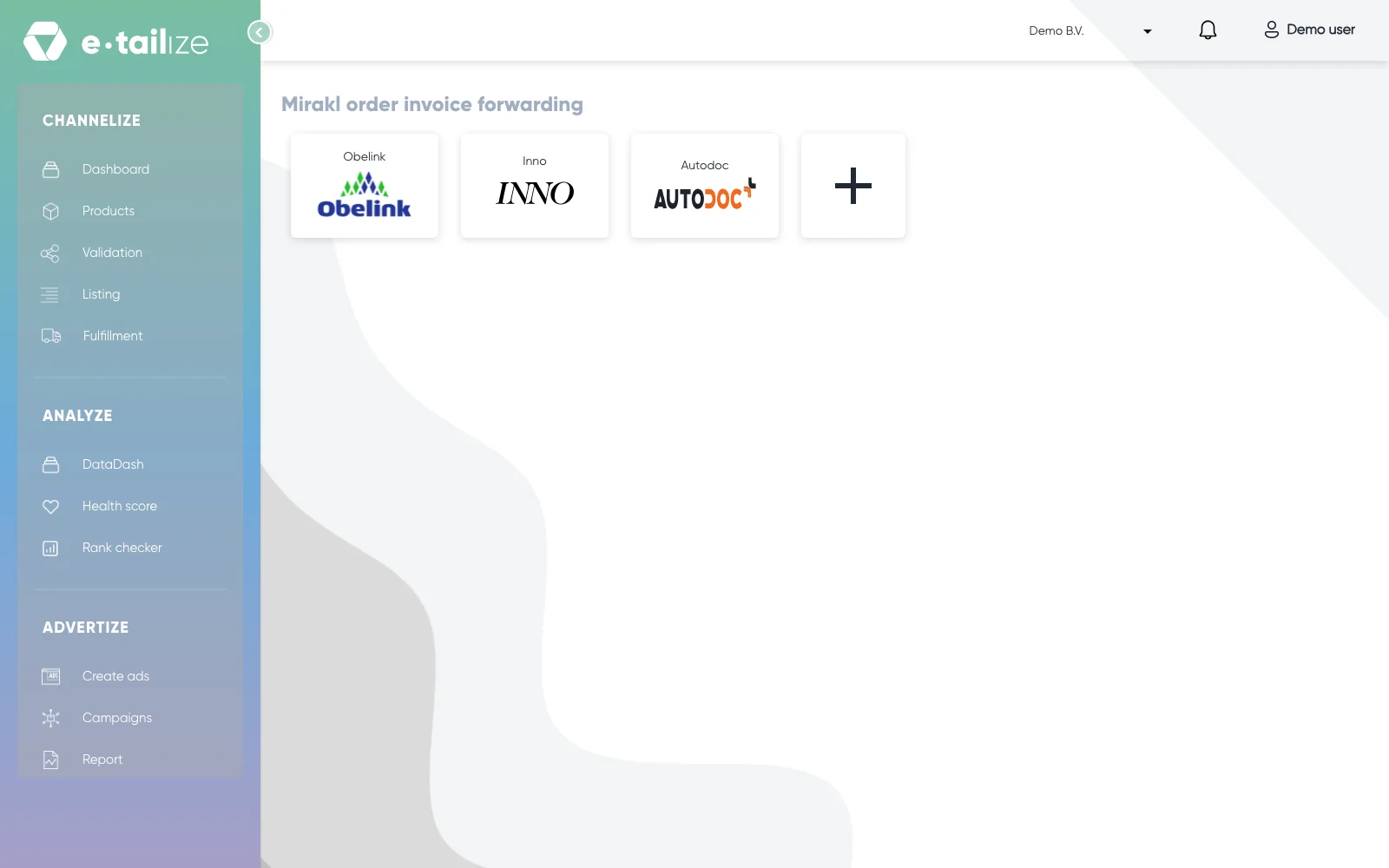
The page "Mirakl order invoice forwarding", with one tile per Mirakl marketplace connection Click the tile of the connection whose invoices you want. The selected tile gets a tick and everything below it belongs to that one connection.
Open the "Invoices" tab, next to "Setup" and "Products". It opens on the last seven days.
Set the period you need in "Invoice date". The picker offers "Today", "Past 7 days", "Past 14 days", "Past 30 days" and "Current month", and "Ok" confirms a range you pick by hand in the calendar.
Choose a stage in "Invoice status" when you want one part of the pipeline. The dropdown holds "All" and every status from "Order received" to "Sent to marketplace", plus "Errors" and "Warnings".
Type in "Start typing to filter products" to search the rows. It reads the order number, the order date, the EAN, the product, the name, the status and the invoice number at once.
Click "Refresh" to load the list again for the dates you set. "Clear filter" empties the filters.
Find your invoice by its row: "Order #", "Order date", "Ean", "Product", "Name", "Invoice #", "Invoice date" and "Status".
Click the PDF button in the "Invoice" column, at the right end of the row. The invoice downloads as a PDF named after the invoice number.
What happens next
The PDF is the invoice as the marketplace received it. It carries the layout you see under "Invoice preview" on the "Setup" tab: your company block with your logo, the "Invoice:" block with "Invoice Number:", "Invoice Date:", "Order Number:" and "Order Date:", then "Billing Address:" and "Shipping Address:", the product table with "Product Title", "Qty", "Product Price" and "Total", the totals underneath, and your "Invoice notes" at the bottom.
The invoice number is your "Invoice series initial" followed by the order number. The info icon next to a number in "Invoice #" opens a small summary of that invoice with "Order items", "VAT amount", "Shipping amount" and "Total amount". "Close" shuts it again.
Common problems
The "Invoice" column is empty on a row. The PDF button appears once the invoice has a link of its own, so a row that is still moving through the statuses has nothing to click yet. Click "Refresh" to load the list again.
The tab is greyed out. "Products" and "Invoices" stay disabled until the setup of that connection is saved.
The list says "No history to display". Nothing was invoiced in the range you selected. Widen "Invoice date" and click "Refresh".
A status stands in red or orange. Red is an error, orange a warning. The info icon next to the status opens the text behind it, headed "Error:" or "Warning:", with a "Close" button. More in Fix common invoice forwarding problems.
FAQ
Which period does the "Invoices" tab open on?
The last seven days. That is also the window the panel "Order invoice summary for last 7 days" counts, at the top right of the page. Pick another range in "Invoice date" and click "Refresh".
What does "Sent to marketplace" mean?
The invoice reached the marketplace, which forwards it to the buyer. It is the last stage of the pipeline and it stands in green.
An order I fulfilled is not on the list at all.
Then no invoice was generated for it. Walk the conditions in Fix common invoice forwarding problems: the order closed, placed within the last seven days, its EAN on the "Products" tab, and "Enable for marketplace" switched on.
Related
Was this useful?