On this page
Before you start
Review Booster collects product reviews for what you sell on bol. Instead of an e-mail that lands between a hundred others, your customer gets a card in the post.
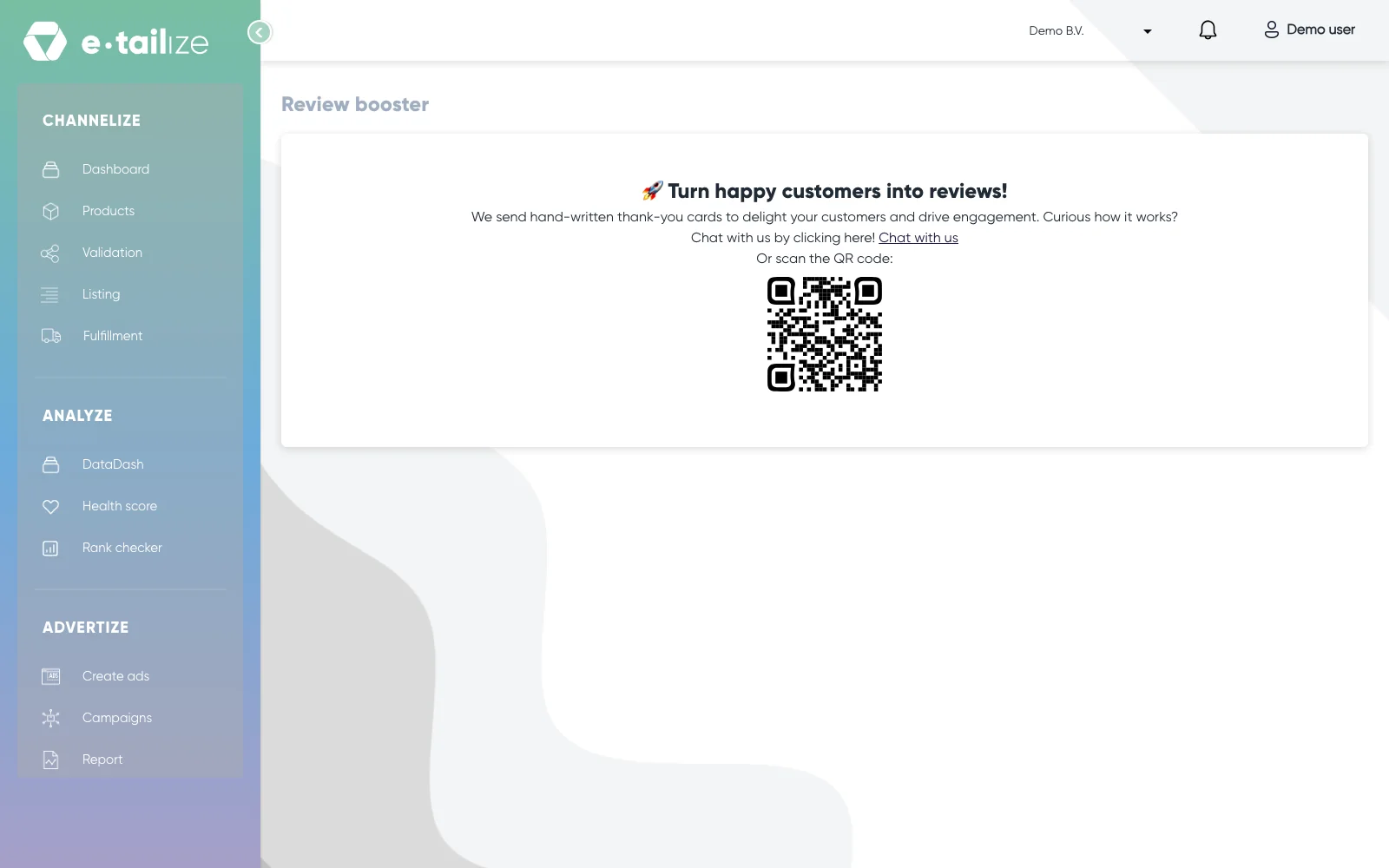
Review Booster is not in the menu, so open the "Review booster" page directly or ask us. The page says "Turn happy customers into reviews!" and, under it, "We send hand-written thank-you cards to delight your customers and drive engagement." We print and post the cards, so nothing runs on your side.
Switching it on takes one conversation with us plus a few settings. Set up Review Booster walks through that.
What happens next
A customer orders one of the products you selected. The card arrives after the purchase, late enough that your customer has used the product and has something to say about it.
The card carries a personal note from you as the seller, with your brand logo, your brand name and the name of the person it comes from. Next to that note sits a QR code.
Scanning that code gives your customer four things:
- leave a review for the product
- find out how to return the product
- view or download the invoice
- ask for help with the product
So the card does more than ask for a review. It is also the shortest route to a return, an invoice or a question, which is exactly what a customer otherwise sends to your inbox.
FAQ
Do I write the cards myself?
No. You fill in your brand logo, your brand name, the first name of the sender and their job title once. We use that for every card, so the note reads as if it comes from your team.
How many cards go out?
You decide that twice. You agree the number of cards with us before we add them to your account, and you set a weekly maximum in the app, so a busy week cannot use up your whole batch at once.
Does it work on my other marketplaces?
No. Review Booster runs on your bol connection.
Was this useful?