On this page
Before you start
Douglas is a retailer for cosmetics and personal care, and it picks its sellers itself. There is no open sign up form: you contact their purchasing or sales department and follow their terms and their procedure.
That makes your preparation the work. Douglas has its own requirements for quality, certifications and packaging, and those requirements decide the conversation more than your sales figures do.
Steps
Open the Douglas website and look for the page for suppliers or sales partners. That page carries their registration process and their requirements.
Read the requirements against your own range: quality, certifications, packaging and anything else they name for the products they accept.
Find the contact details of the purchasing or sales department on that page, an e-mail address, a phone number or a form.
Contact that department and say you want to sell through Douglas. Have your company details and your product information ready, certifications and accreditations included.
Follow the instructions you get back. That can be an application form, samples of your products or other documentation.
Wait for their answer. It can take a while, they receive a lot of applications. Heard nothing after a reasonable period? Then contact them again and ask about the status of your application.
Tell us in the app chat once your seller account is live, and create the API key in the Douglas back office. Note your store id.
Open "Connections" under "Settings" in the left menu, then click "New connection" on the "API connections" page and pick "Marketplace".
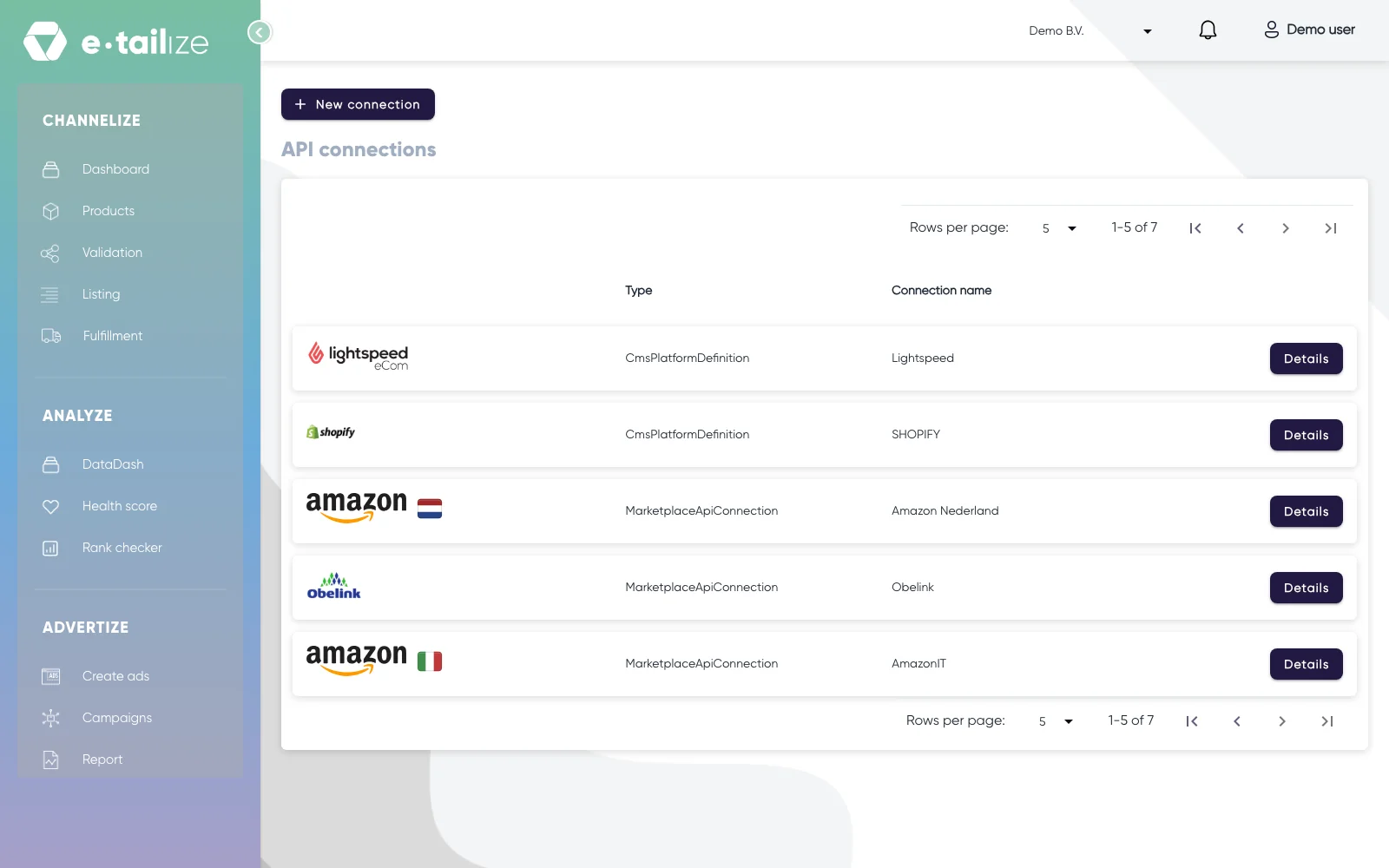
The "API connections" page, with "New connection" above the connections you already have Click the Douglas logo in the grid, fill in "Connection name", "API KEY", "Where do you offer your products?" and "Store Id", then click "Save".
What happens next
Douglas decides on your application, and the steps above are general: their own procedure can differ, and the guidelines on their website win over anything written here. Ask them directly when something is unclear.
Once the connection stands, add the Douglas tab to your categories, validate and list. Get a product live walks through that screen step by step.
Common problems
"Invalid response from e-tailize"
Check three things against your seller account: the API key, the "Store Id" and the country you picked. All three right and the message stays? Then ask in the app chat and name the marketplace, the exact message and the "Store Id" you used.
FAQ
Can e-tailize apply for me?
Apply yourself, they review: the contact with the purchasing department is yours and the decision is theirs. Stuck? Expansion does it for you. Once your account is live, we walk you through the connection wizard.
Do they want samples?
They can ask for them. Samples, an application form and extra documentation are all normal steps in their procedure, so keep your product information and certifications at hand.
Was this useful?